01
◉
Start with the app
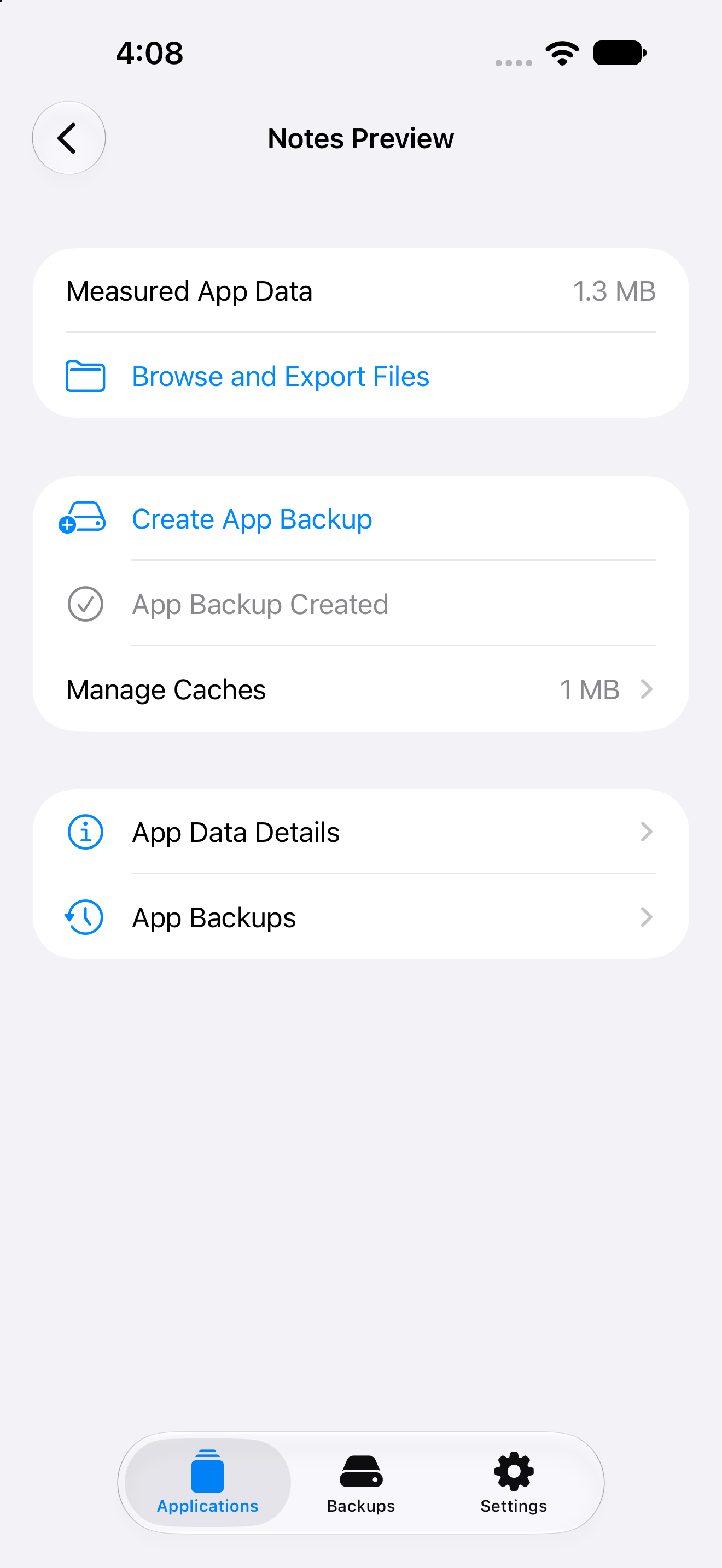
One searchable list combines names, measured app data, and cache sizes. Open an app for read-only file browsing, export, backup, and storage details. Scan when needed.
Applications · One detail route · iPhone and iPad Veilpath
Native on iPhone & iPad
Find an app, browse its files, understand its storage, and keep a recovery copy before making changes. Applications, Backups, and Settings give every task a clear place.
Verified on physical devicesiPhone + iPad · iOS 26–27 beta 3 iOS / iPadOS 26 → 27 beta 3 ↓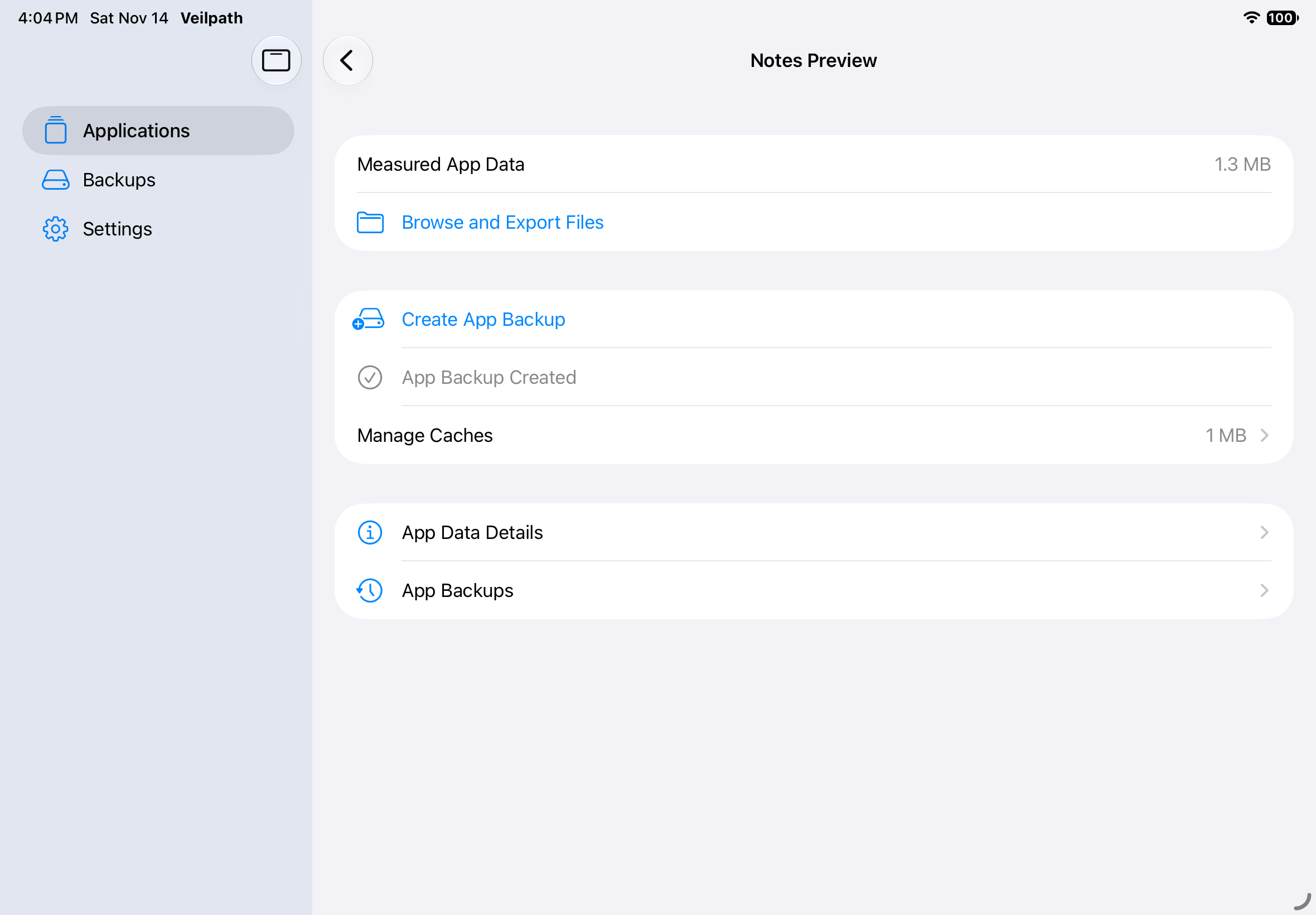
Designed from the exploit outward
Everyday tasks stay with the selected app. Other containers, technical previews, guarded file writes, and on-demand diagnostics live in Advanced Tools. Both access backends keep short-lived, operation-scoped grants.
One searchable list combines names, measured app data, and cache sizes. Open an app for read-only file browsing, export, backup, and storage details. Scan when needed.
Applications · One detail route · iPhone and iPadBackups are grouped by app with archive storage totals. Import, export, or restore a verified recovery point. Delete old backups with confirmation; recovery work stays protected.
Retained copies · Fresh safety backup before restoreClose the app, back up and verify Caches, then clean. Temporary files are opt-in. Undo the cleanup from app details. Results distinguish removed bytes, backup size, and measured free-space change.
Journaled recovery · Documents and settings preservedCompatibility
Veilpath supports iOS and iPadOS 26 through 27 beta 3. This is a deliberately conservative range based on the versions implemented and tested in Veilpath—not merely the broader range reported by the upstream proof of concept.
Veilpath automatically chooses between worse_query and bad_query, with fallback when access cannot be granted. Both backends retain per-operation grants and guarded backup and restore. The new backend does not extend the verified version range without device testing.
Earlier iPhone and iPad runs verified schema 19. On iPhone 11, schema 24 Automatic passed 23 checks, with 3 unsupported iOS 26 capabilities and no failures. New checks cover name parsing, read-only external storage scanning, and recoverable cleanup/import/restore plus protected backup deletion using only disposable fixtures for writes. The simulator passed 16 local-fixture checks. Earlier schema 22 runs verified both forced backends. worse_query and the new app-management flows on iOS 27 remain unverified on physical devices.
PASS MobileGestalt file access
     handle=1 · bytes=10446

PASS On-demand file and folder sharing
     streamed · cancelled cleanly · ZIP verified

PASS Backup deletion and interrupted removal
     selected copy only · live data preserved

PASS Complete App backup and rollback-safe restore
     current data saved · payload hashes verified

PASS Recoverable cache cleaning
     backup verified · interrupted recovery
Evidence, not assumptions
Veilpath carries a schema-versioned on-device regression suite. The checks verify access, discovery, previews, streamed export, ZIP safety, complete backup and restore, app-name parsing, read-only storage scanning, and journaled cache recovery. Recovery tests verify cancellation-safe recovery, concurrent-data preservation, archive import, and corruption refusal. Schema 24 also verifies protected backup deletion; diagnostics run on demand.
Install & update
AltStore Classic and SideStore share the official Veilpath Preview source. Already using a compatible installer? Add the source to find the current preview and future updates.
Install and configure AltStore Classic or SideStore first. Open Sources, choose + / Add Source, paste the source URL, and confirm Veilpath Preview. Some versions place Sources under Browse.
Open Veilpath in the source, choose Install / Free, review the App Group permission, and sign with your account. The source offers the re-signing IPA, never a device-restricted developer package. This is not an AltStore PAL source.
Refresh the source and install available updates from My Apps / Updates. Keep the same account, bundle ID, and installer. Renewing a signature is separate from installing a new app version.
A usable App Group is required. Installer-specific runtime testing remains pending; source checks do not prove sandbox access. Run Settings → Advanced Tools → Diagnostics and Logs after installation. See OS compatibility and the full installation guide.
Build it yourself
git clone https://github.com/everettjf/veilpathOpen Veilpath.xcodeproj in Xcode 27 beta.
Select a physical iPhone or iPad, configure signing, then launch.
scripts/package.py creates Release IPAs for re-signing or registered-device testing. App Group provisioning is required; sideloading channels need separate device validation. TrollStore's supported OS range does not overlap iOS 26. Public releases include only the re-signing IPA for AltStore Classic, SideStore, Sideloadly, or a compatible re-signing installer. Developer-signed test packages stay private. See the packaging guide and redistribution status.
Veilpath 1.2