writing
FolderSizeView: Visualizing Directory Sizes with a TreemapFolderSizeView:用 TreeMap 直观展示文件夹空间占用的工具
· Building tools & products
Translated from Chinese — .
On this page
FolderSizeView can use a TreeMap to display the proportion of file sizes within a folder.

Background
There’s often a need to analyze the size that files take up within a folder (for example, analyzing a mobile app’s installation package size). For a long time, GrandPerspective basically met this need, but while using it I often wished I could see the parent-child relationship of folders. FolderSizeView solves this small need.
System Support
macOS and Windows
Download
How to Use
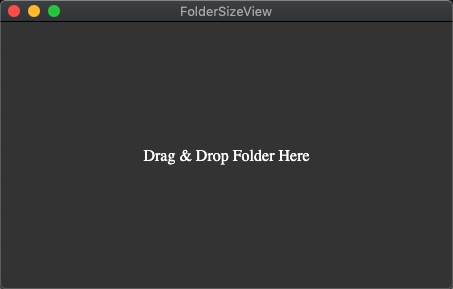
Step one, open the software
Step two, drop the folder you want to analyze in
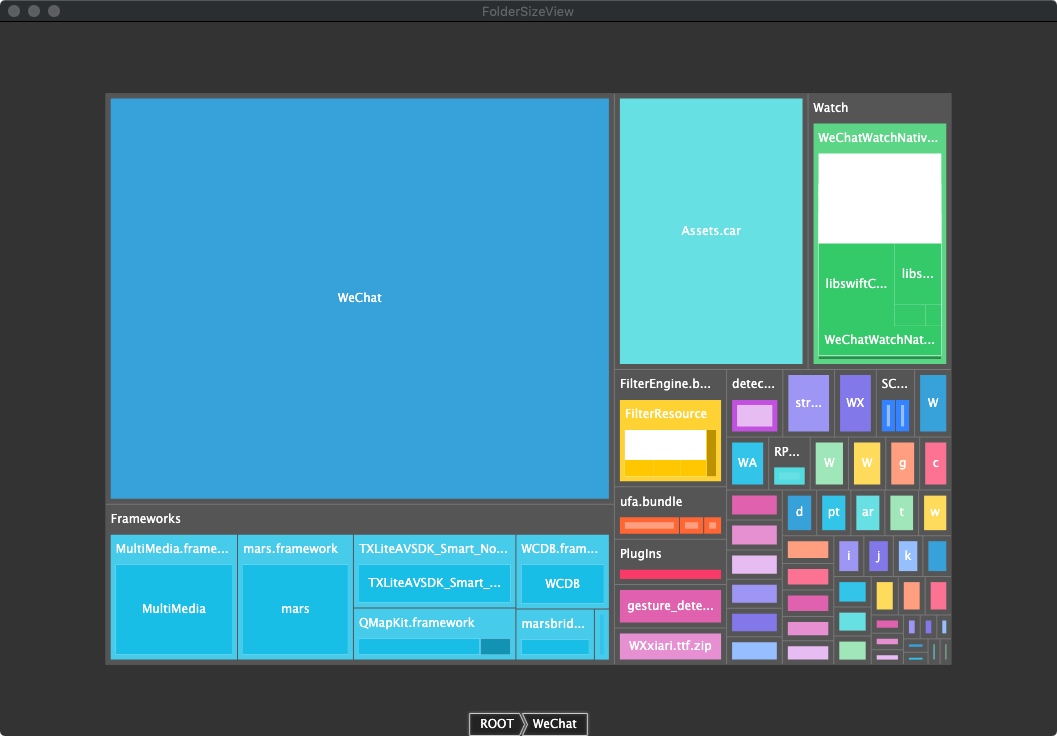
For example, if I drop Wechat.app in, it displays as shown below.
Options
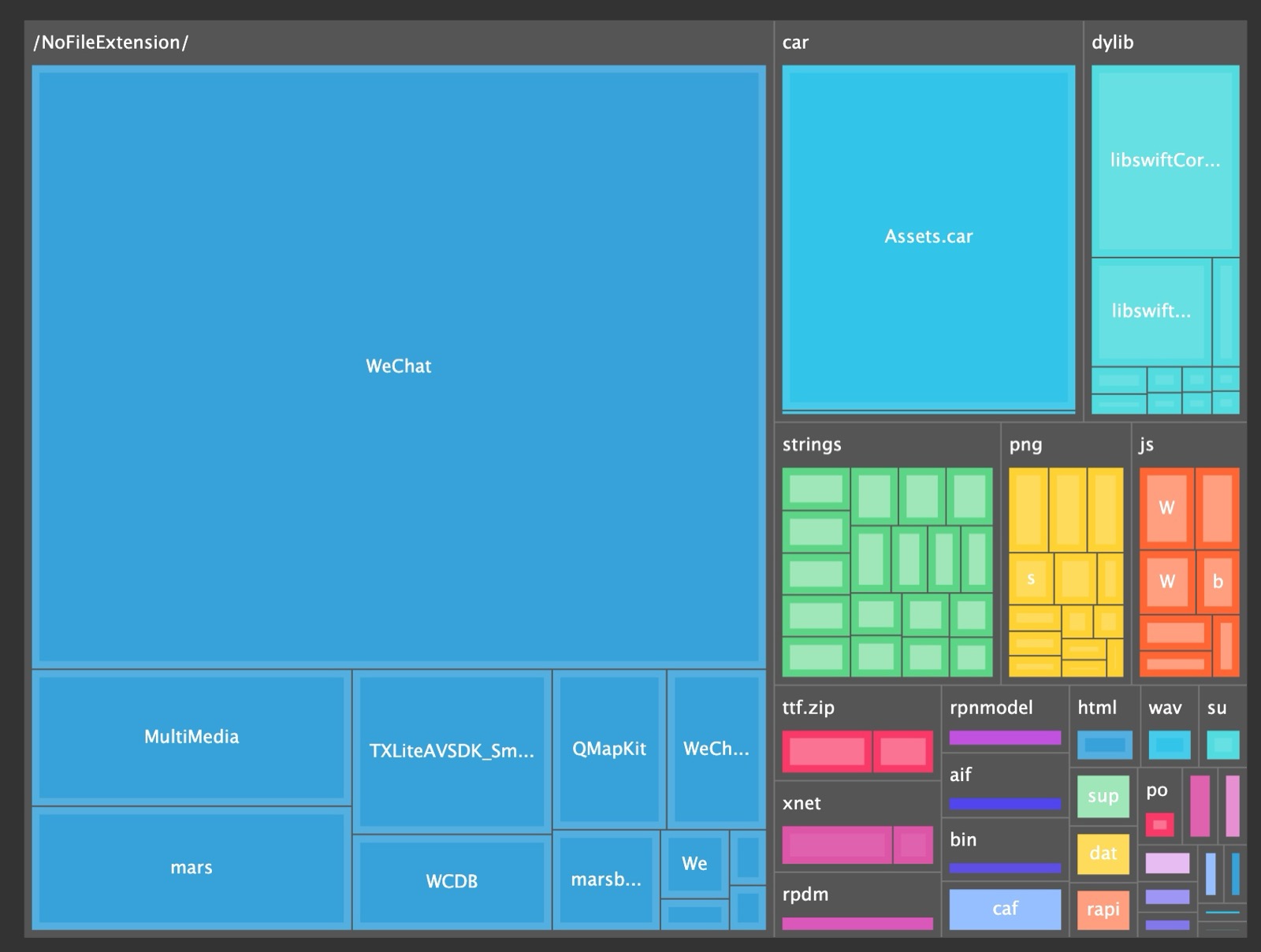
Via the menu Action->Group by file extension you can enable grouping by file type. As shown below:
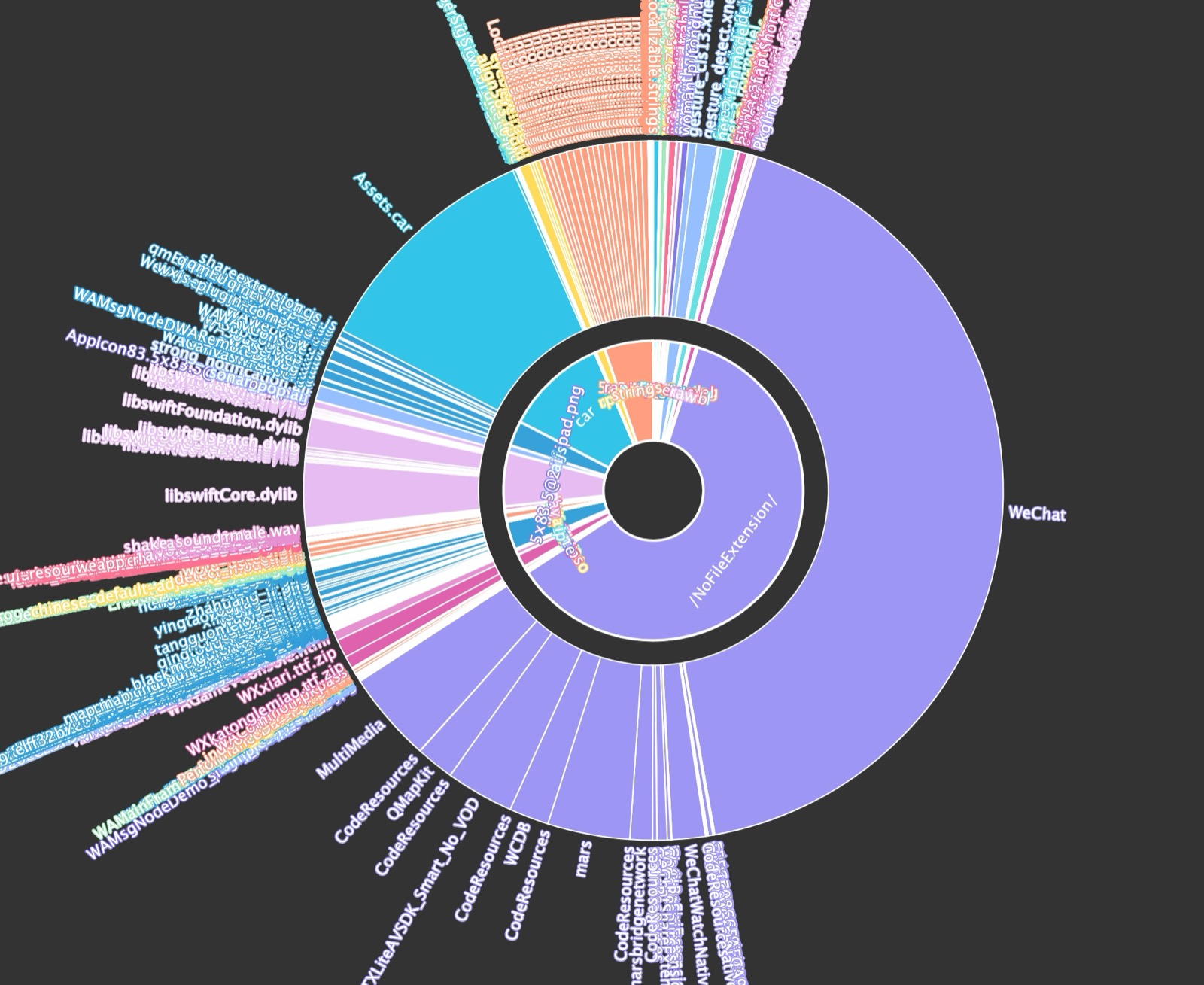
Via the menu Action->Sunburst Mode you can display it with a sunburst chart (in most cases the TreeMap chart is good enough; the sunburst chart doesn’t display well when there are a lot of files). As shown below:
Source Code
Nope, hehe.
It’s available now: https://github.com/foldersizeview/foldersizeview
Note
The current version was developed quickly. Traversing the folder is done recursively on the main thread, so if the folder has too much content, it will generally crash. But for everyday analysis of an app’s installation package and the like, there’s no problem.
Summary
Too simple — the article is finished already.
FolderSizeView可以使用TreeMap方式展示一个文件夹内文件大小的占比情况。
背景
经常有分析一个文件夹内文件占用大小的需求(例如分析移动App的安装包大小),一直以来 GrandPerspective 基本满足了这个需求,但使用时时常希望能看到文件夹的父子关系,FolderSizeView就解决了这个小需求。
系统支持
macOS和Windows
下载地址
使用方法
第一步打开软件
第二步把要分析的文件夹扔进去
例如我把Wechat.app扔进去,则展示如下图了。
选项
通过菜单Action->Group by file extension可开启通过文件类型分组。如下图:
通过菜单Action->Sunburst Mode,可使用旭日图展示(一般情况下TreeMap图就足够了,旭日图在文件很多的情况下显示效果不好)。如下图:
源码
木有,嘿嘿。
有了 https://github.com/foldersizeview/foldersizeview
补充
目前版本是快速开发出的,遍历文件夹都是在主线程递归实现,文件夹内容太多的话,一般是要崩溃滴。但日常分析个App的安装包啥的,都木有问题。
总结
太简单了,文章也写完了。