writing
Building TabPageScrollView开源标签页滚动控件 TabPageScrollView 开发笔记
· Building tools & products
Translated from Chinese — .
On this page
Background
Seeing so many good things on CocoaPods, and being new to iOS development, I wanted to get familiar with this workflow too. I thought of a simple Tab page I’d recently developed, and tried to polish it up, make it more general, and put it on CocoaPods.
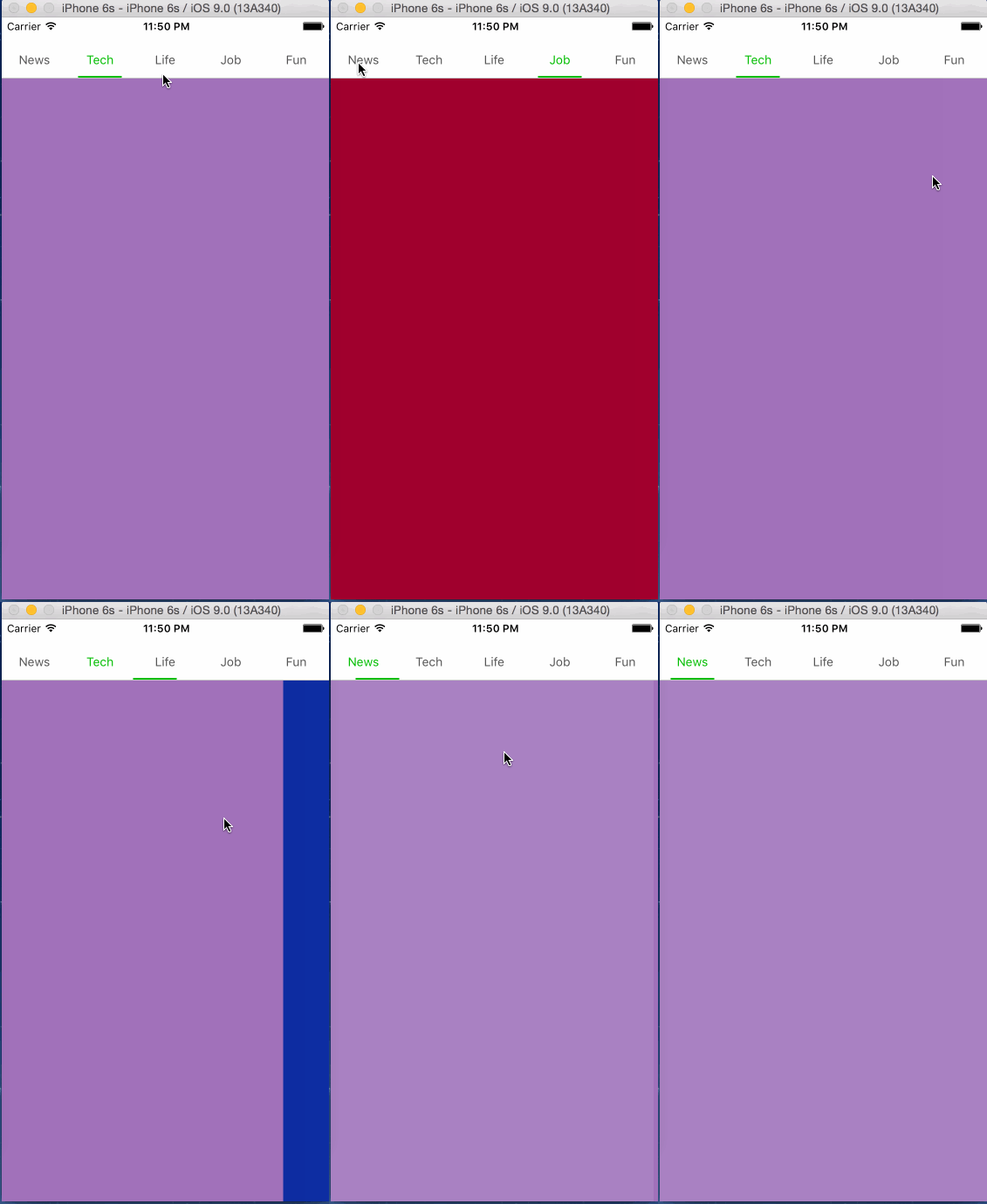
The Result
For usage and code, see: https://github.com/everettjf/Yolo/tree/master/EVTTabPageScrollView
Steps
- Create a template project
Reference link: https://guides.cocoapods.org/making/using-pod-lib-create.html
pod lib create MyLibrary - Modify the description, write the library code
- Test
pod lib lint pod spec lint - Upload
 $ pod trunk register orta@cocoapods.org 'Orta Therox' --description='macbook air'
 $ pod trunk push EVTTabPageScrollView.podspec
Reference link: https://guides.cocoapods.org/making/getting-setup-with-trunk
Other
This is still very simple — just an example of me trying out CocoaPods.
背景
看到CocoaPods上这么多好东西,初入iOS开发,也想熟悉熟悉这个流程。 想到最近自己开发的一个简单的Tab页面,尝试完善一下,做的更通用一些,放到CocoaPods上。
最终
使用方法及代码见:https://github.com/everettjf/Yolo/tree/master/EVTTabPageScrollView
步骤
- 创建模板工程
参考链接:https://guides.cocoapods.org/making/using-pod-lib-create.html
pod lib create MyLibrary - 修改描述、编写库的代码
- 测试
pod lib lint pod spec lint - 上传
$ pod trunk register orta@cocoapods.org 'Orta Therox' --description='macbook air' $ pod trunk push EVTTabPageScrollView.podspec参考链接:https://guides.cocoapods.org/making/getting-setup-with-trunk
其他
这个还很简单,仅作为自己试用CocoaPods的例子。